Features
Taskix is intentionally simple. One app. One device. No excuses.
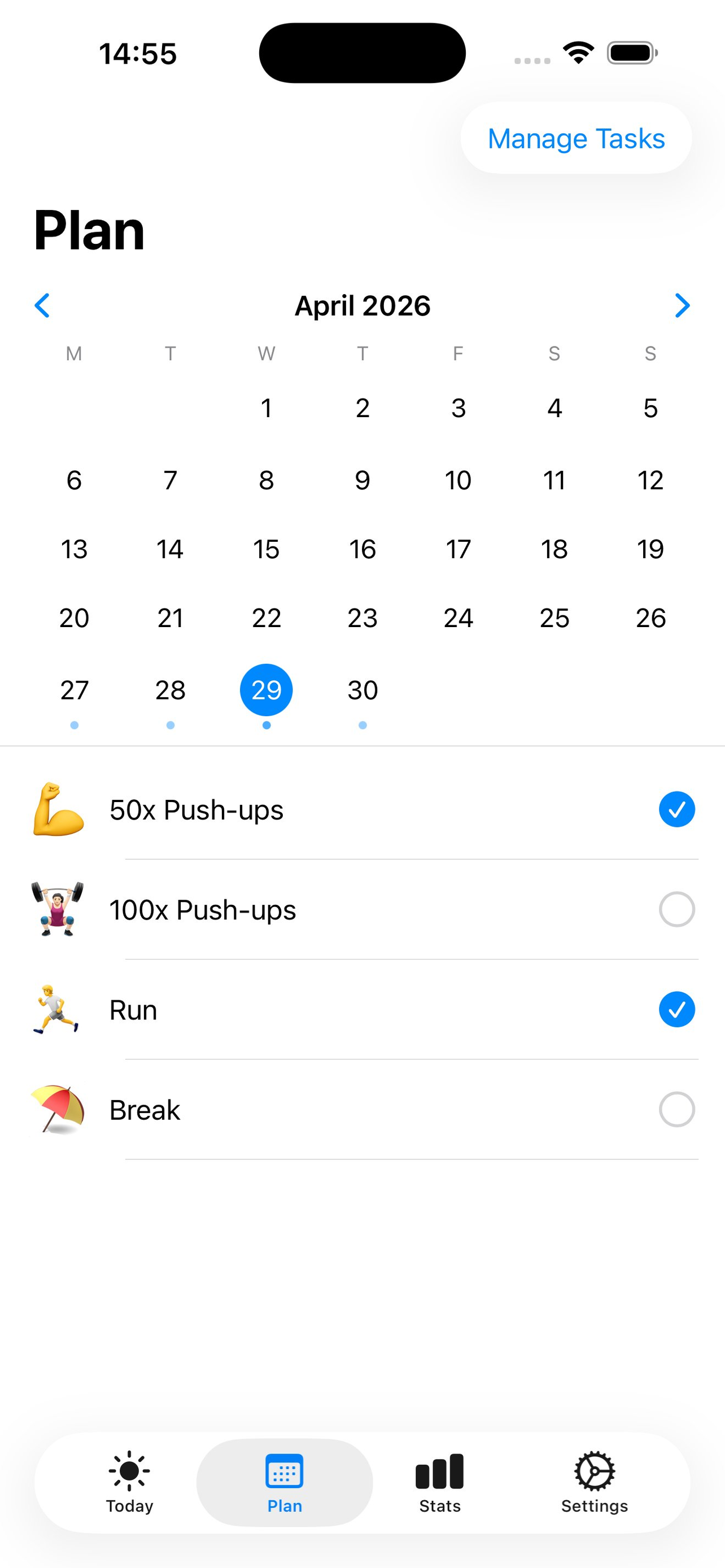
Tap a date on the built-in monthly calendar and toggle which tasks you'll tackle. Dot intensity shows your planning density at a glance.
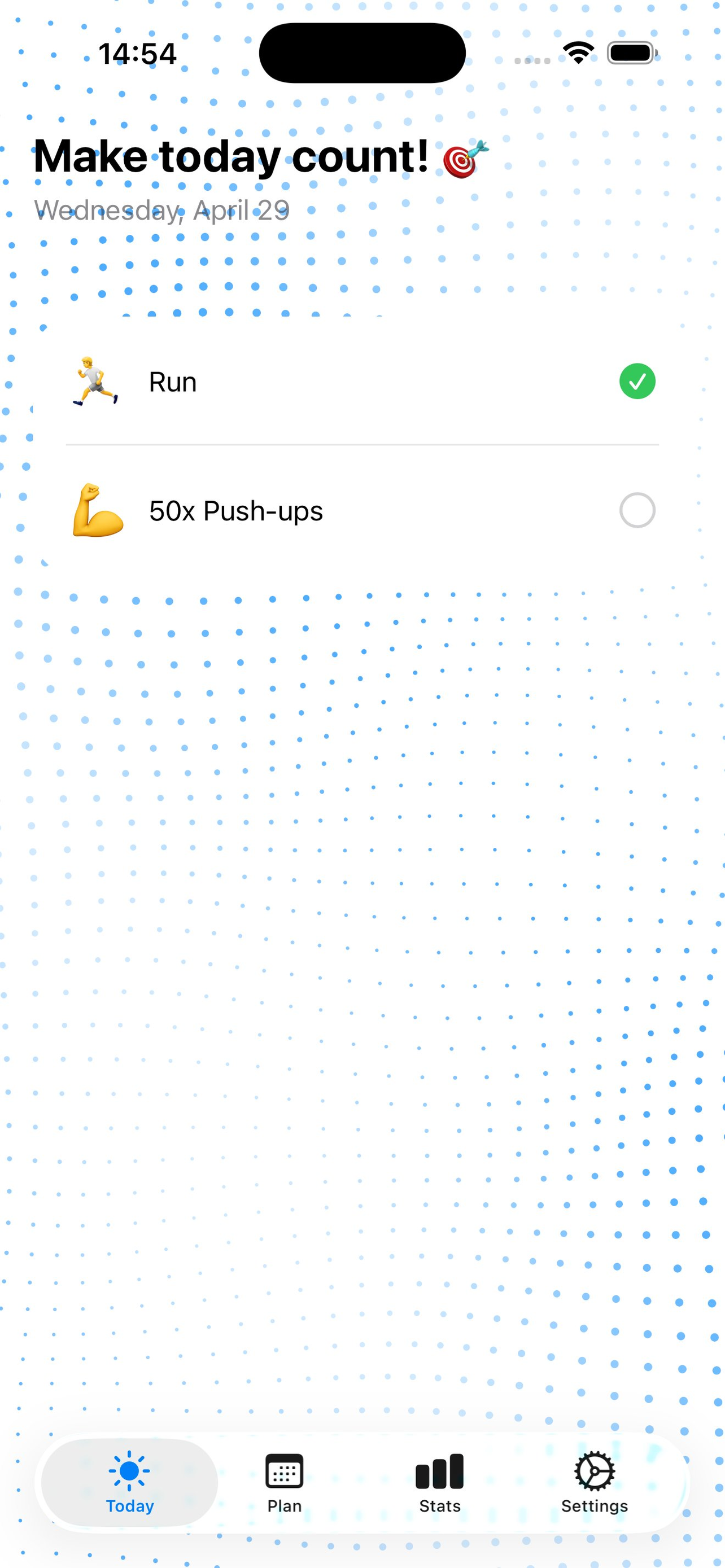
Cycle each task through pending → done → skipped with a single tap. Browse back up to a month to review or edit any past day.
Streaks, weekly grids, monthly and all-time completion rates, plus a per-task breakdown — so you always know where you stand.
Add a note to any day from the Plan tab. It appears as a yellow post-it at the top of Today — always visible, never in the way.
Two configurable daily notifications list your actual tasks for the day. Set your times, or turn them off — fully in your control.
SwiftData on your device. No account, no server, no analytics, no third-party SDKs. Uninstalling removes all data permanently.
How it works
Three simple steps — and you're building a habit streak from day one.
Create recurring tasks with an emoji and a short label — Workout, Run, Reading, Meditation, whatever you do repeatedly.
Open the Plan tab, pick a date on the calendar, and toggle which tasks you'll do that day. Add a note if you want a reminder to yourself.
Mark tasks done in Today. Browse back through the past month with a swipe. Then visit Stats for streaks, weekly grids, and per-task stats.
Privacy
Taskix was built with privacy as a constraint, not an afterthought. There is no back-end to breach.
All data lives in Apple's SwiftData framework on your iPhone. Nothing is ever transmitted anywhere, to anyone.
There is no server, no account, and no sign-in. Open the app and start tracking immediately — no form to fill.
No analytics, no crash reporters, no advertising frameworks. The app contains only Apple's own frameworks.
FAQ
Can't find your answer? Email us.