✦ No account. No tracking. Ever.

Your streams,
your rules.

TiVix plays any M3U or IPTV playlist on iPhone, iPad, and Apple Vision Pro. Bring your own URL and start watching in seconds.

Zero accounts
No analytics SDK
100% on-device
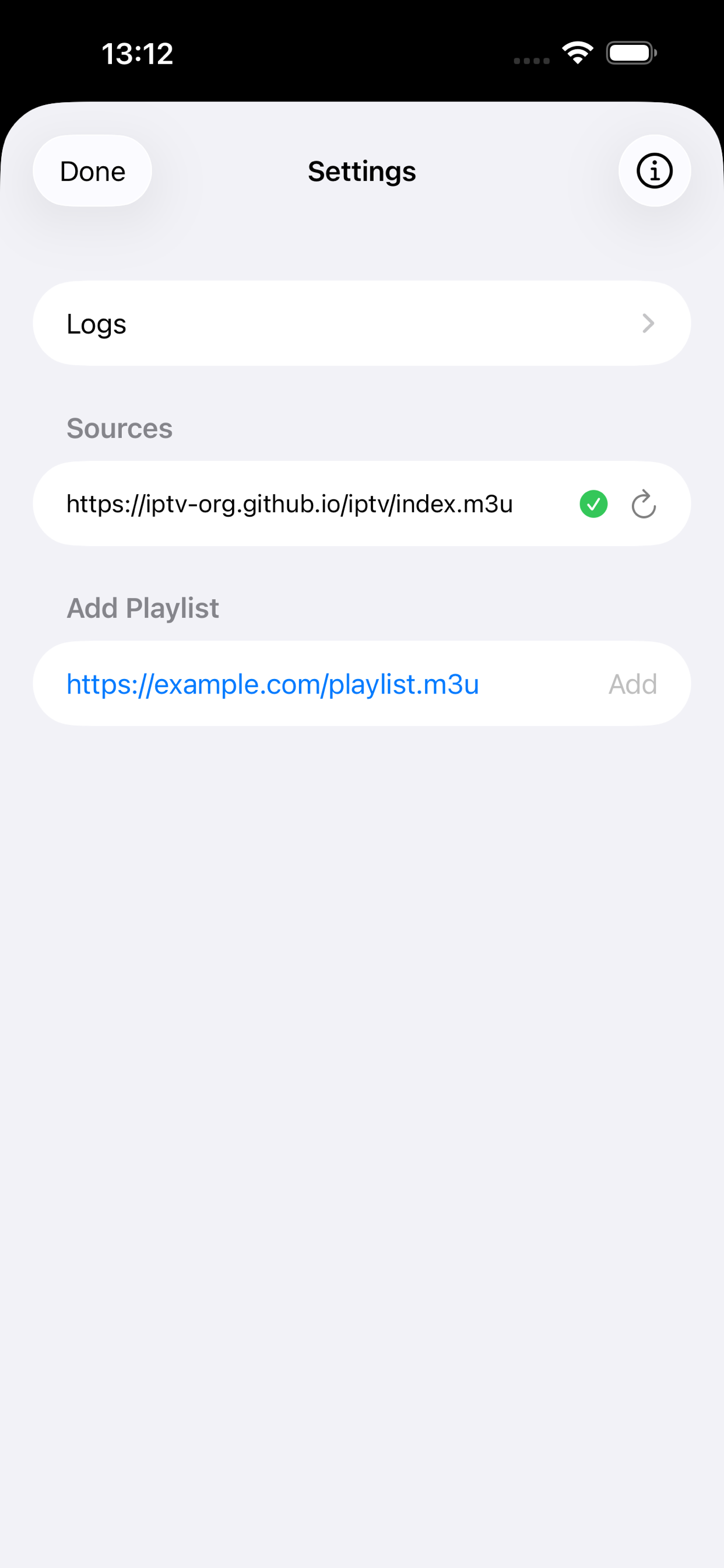
TiVix Settings — add playlist sources
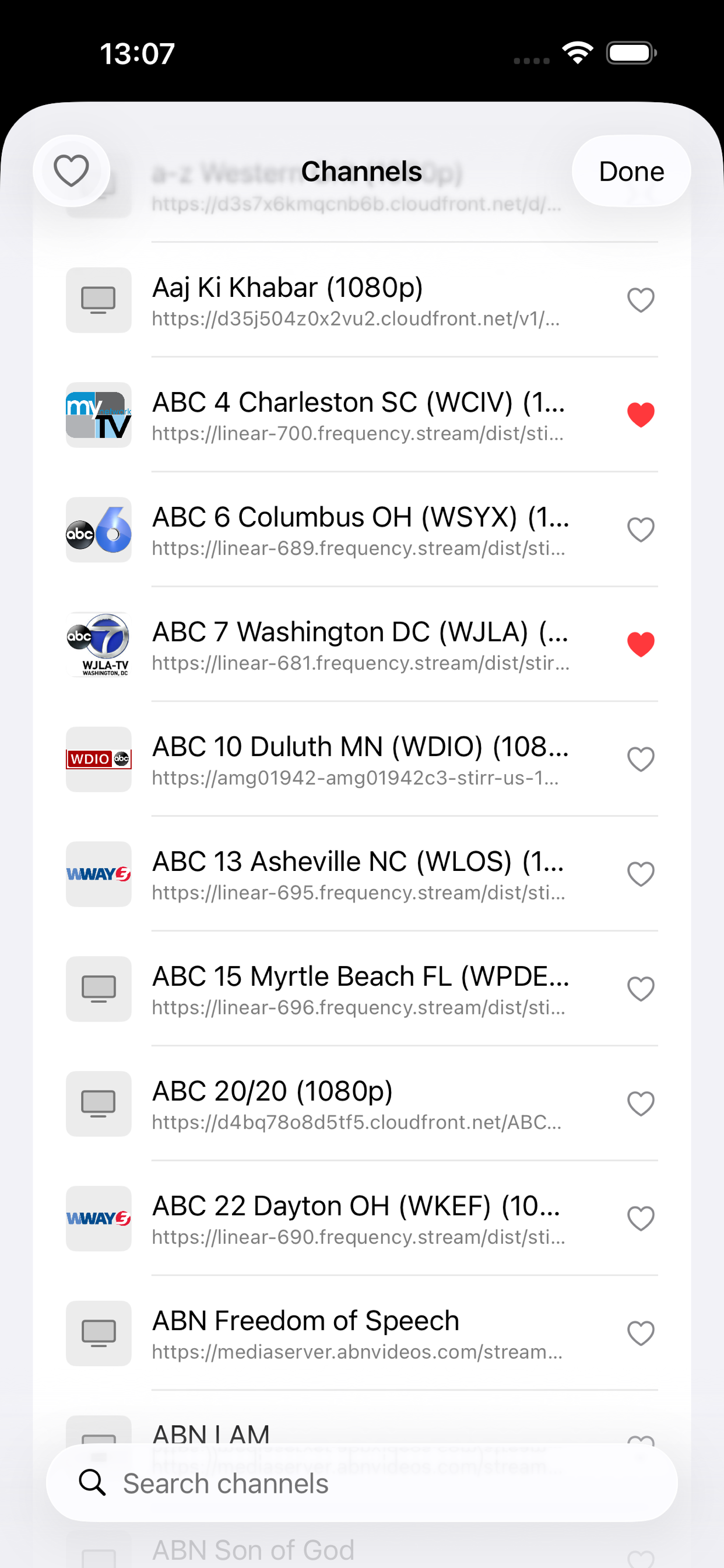
TiVix channel selector with search
Features

Everything you need.
Nothing you don't.

Powerful playback, instant search, bookmarks, and multi-source management — all without a single server call to us.

📺

HLS Playback

Full-screen hardware-accelerated streaming with a real-time buffering indicator and one-tap Retry on errors.

🔍

Instant Search

Playlists are pre-parsed on load — searching thousands of channels is instantaneous with zero lag.

🔖

Bookmarks

Heart any channel to save it. Toggle the bookmark filter to see only your favourites, stacked with search.

Multiple Sources

Add as many M3U URLs as you need. Channels from all sources merge into one unified, grouped list.

Picture-in-Picture

Keep watching while using other apps. PiP works seamlessly across iPhone, iPad, and Apple Vision Pro.

📡

AirPlay

Cast instantly to Apple TV or any AirPlay 2 receiver — directly from the floating toolbar.

How it works

Up and running in three steps.

1

Add your playlist URL

Open Settings, paste any M3U or M3U8 URL from your IPTV provider, IP camera system, or internet radio aggregator, and tap Add.

  • HTTP and HTTPS sources supported
  • Multiple sources, merged automatically by group
  • Cached locally — browse channels even offline
Settings screen — add playlist URL
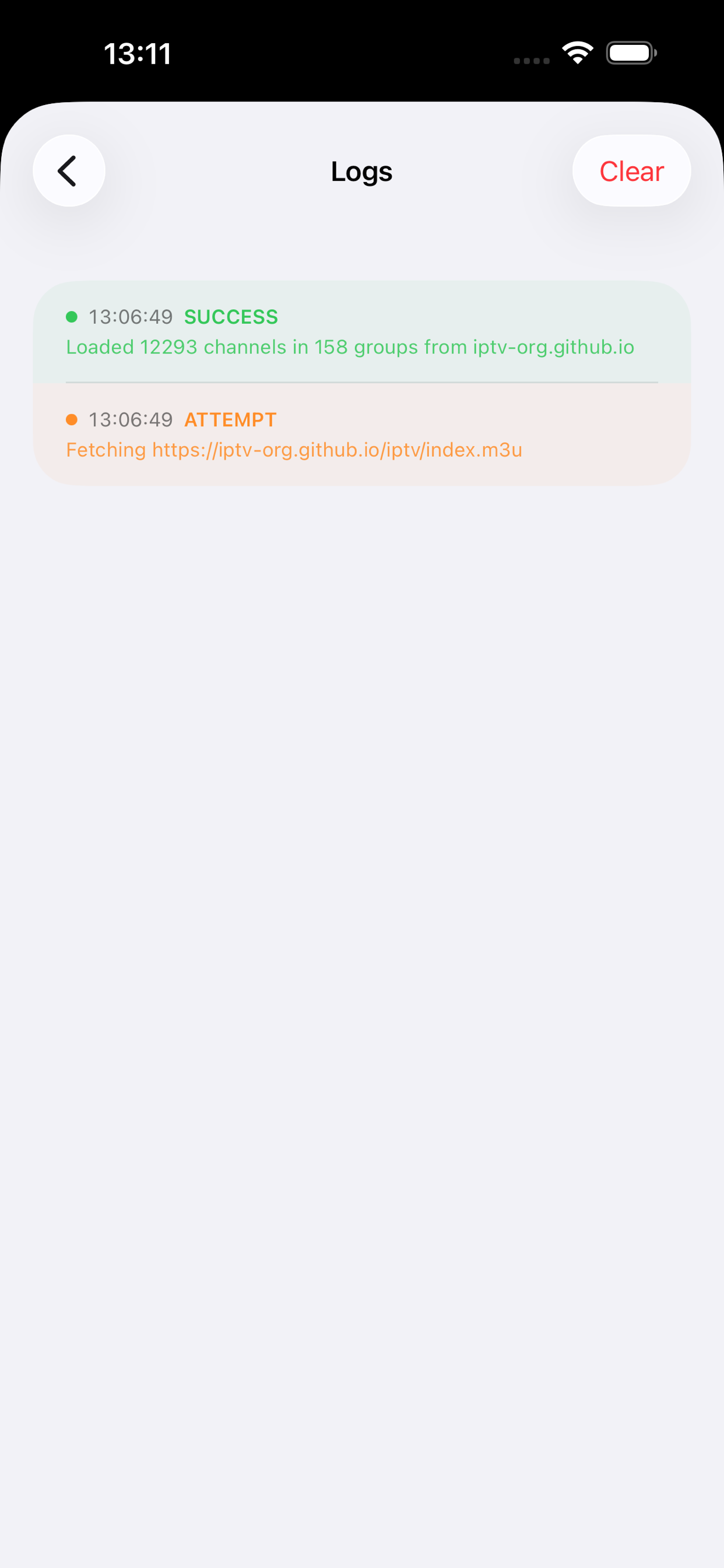
Activity log screen
2

Browse and search channels

Channels are grouped by category. Search instantly across all groups, filter to bookmarked channels, and tap any row to start playback.

  • Group-title organisation from your M3U
  • Case-insensitive real-time search
  • Heart icon to bookmark any channel
Channel selector with search and bookmarks
3

Watch on every Apple screen

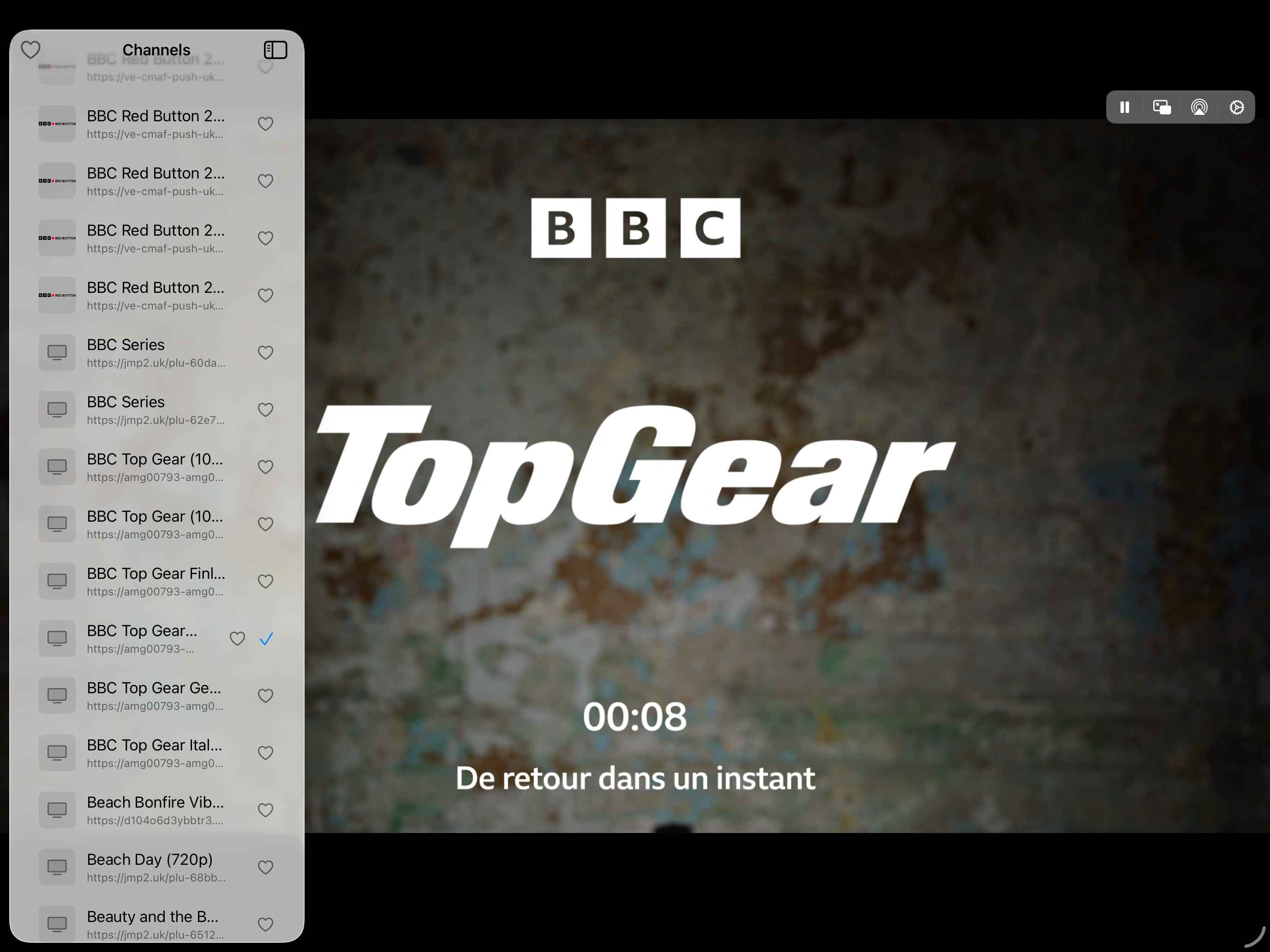
TiVix adapts its layout to your device. iPhone gets a floating toolbar and bottom-sheet channel selector. iPad shows a persistent split-view sidebar. Apple Vision Pro gets a spatial window.

  • Full-screen player on all devices
  • PiP and AirPlay always in the toolbar
  • Remembers your last channel across launches
iPad split view — channel sidebar and player
Every screen

See it in action.

Made for real life

Built for every stream source.

TiVix provides no content — you bring your own. Here's what people use it for.

🌍
Live TV

IPTV from your provider

Plug in your provider's M3U URL and get hundreds of live channels, neatly grouped exactly as your provider organises them.

📷
Security

IP surveillance cameras

View HLS streams from any IP camera system directly in TiVix — no proprietary app required.

🎵
Audio

Internet radio

Load any M3U radio playlist and browse stations by genre, continuing in the background or via AirPlay.

🏢
Enterprise

Corporate & digital signage

Internal streams, training broadcasts, and digital signage feeds — no VPN-gated proprietary app required.

Privacy

Privacy by design,
not by policy.

TiVix collects nothing. There is no AXELARIO backend. Every byte stays on your device.

🚫

No account. Ever.

No sign-up, no email, no password. The app opens directly to your content — always, from first launch.

📡

No telemetry

Zero analytics SDK, zero crash reporting service, zero advertising identifier. The only network calls are to your own servers.

🔒

Stored on-device only

Your playlist URLs and bookmarks live exclusively in local storage on your device. AXELARIO SAS never sees them.

App Store privacy nutrition label: No Data Collected. No analytics SDK, no IDFA, no backend — verified.  Read the full privacy policy →
Platform

Every Apple screen.

One app, three form factors — each with a layout tailored to the device.

📱

iPhone

Floating toolbar and bottom-sheet channel selector for effortless one-handed use.

iPad

Persistent split-view sidebar for fast channel switching without ever leaving the player.

🥽

Apple Vision Pro

Spatial window for an immersive viewing experience in visionOS.

FAQ

Common questions.

Does TiVix include any channels or content?
No. TiVix is a neutral player — it provides no channels, no streams, and no content of any kind. Everything depends on the M3U URLs you supply. Think of it like a web browser: it plays what you point it at.
Where do I get an M3U playlist URL?
Your IPTV service provider will give you one when you subscribe. You can also create one pointing at your own IP cameras, internet radio stations, or any HLS streams you control.
Does TiVix require an internet connection?
An internet connection is required to fetch playlists and stream media. After the first successful fetch, your channel list is cached locally — you can browse channels even offline. Streams themselves always need a live connection.
What data does TiVix collect about me?
Nothing. TiVix contains no analytics SDK, no crash reporter, and no advertising identifier. Your playlist URLs and bookmarks are stored only on your device. AXELARIO SAS has no server that receives any information from the app.
What streaming formats are supported?
TiVix supports HLS (M3U8) streams and any other format natively supported by AVFoundation on iOS. Most live IPTV streams use HLS and work out of the box. Some proprietary DRM-protected streams may not be supported.
Can I use TiVix on multiple devices?
Yes — TiVix is a universal purchase available on iPhone, iPad, and Apple Vision Pro. Since there is no account, your playlist sources are stored per-device and do not sync automatically between devices.

Ready to watch?

Free on the App Store. No account. No strings attached.

Download on the App Store

iPhone · iPad · Apple Vision Pro · iOS 26.2 or later · Free